Summary:
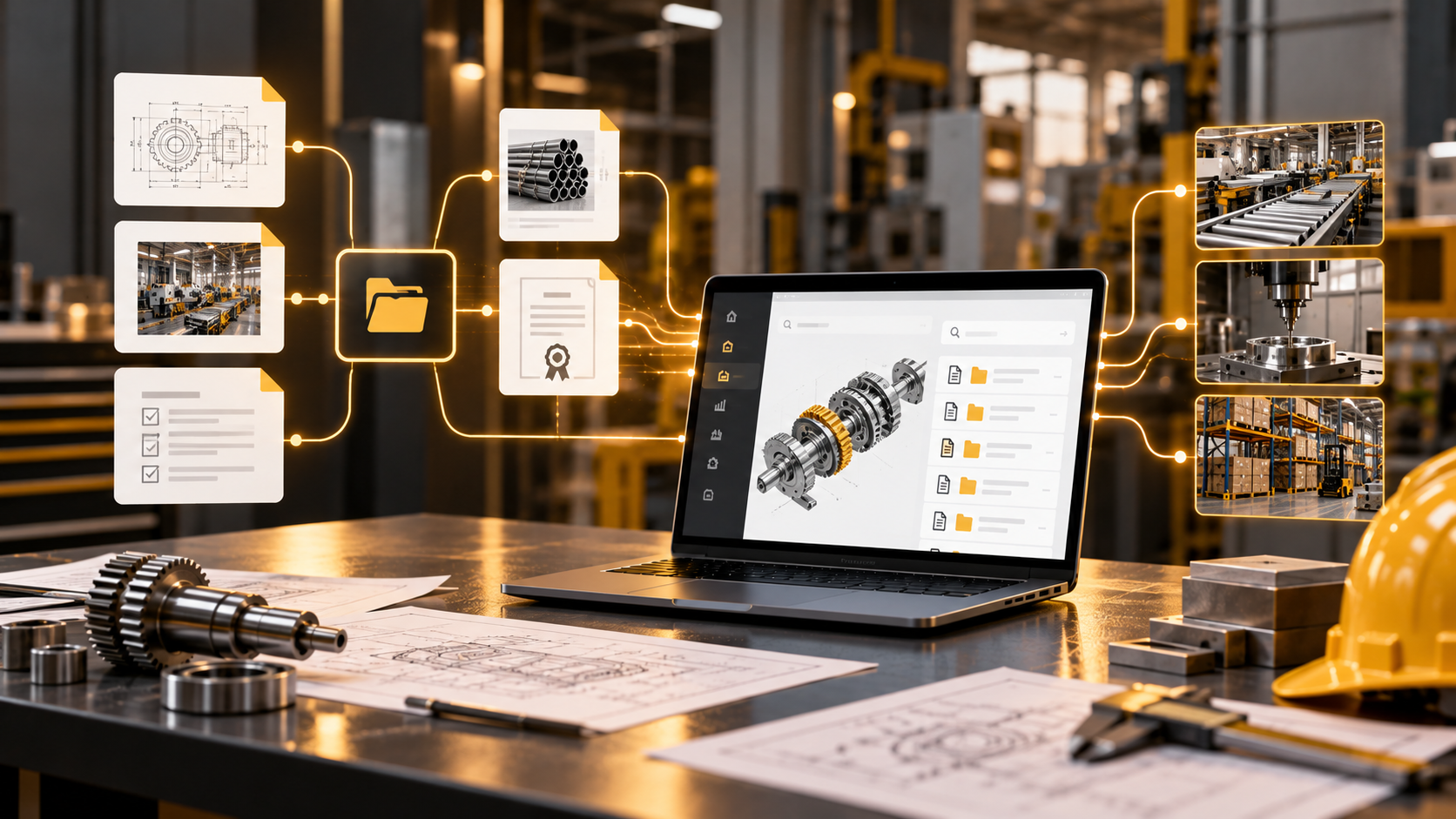
NetSuite document management for manufacturing works best when files stay connected to the records and workflows that use them. BOM support files, work instructions, supplier certificates, quality records, and site-level SOPs need controlled access, version history, approvals, and storage planning. NetSuite File Cabinet supports basic attachments, while SkyDoc helps manufacturing teams manage scalable, record-linked document workflows across plants, suppliers, audits, and production processes.
Key Takeaways:
- Manufacturing files are more useful when connected to the correct NetSuite records, such as items, BOM revisions, work orders, purchase orders, subsidiaries, and locations.
- BOM files and engineering documents need version control so operators and engineering teams can work from the correct revision.
- NetSuite File Cabinet supports native file attachments, but manufacturers need to plan around storage allocation and file-size requirements.
- SkyDoc is worth considering for manufacturers using NetSuite who need scalable storage, record-level file access, versioning, approvals, and external supplier collaboration.
In manufacturing, using an outdated work instruction can be worse than a missing file. It can send an operator through the wrong process and create downstream issues before anyone notices.
That is why manufacturing document management software has to do more than store drawings and PDFs. It should help people answer practical questions quickly, such as which item, BOM revision, or work order a file belongs to.
In this guide, we’ll look at the main document-control requirements manufacturing teams should consider, so they can keep the files that drive production and transactions connected to the records that rely on them.
Why Manufacturing Needs More Than Basic File Storage
A basic folder structure can work well enough for general office files. That may even be sufficient for simple cloud-based document management in small businesses where files mainly need to be stored, shared, and retrieved.
Manufacturing is different because documents often affect what happens on the production floor. A drawing, specification, SOP, or inspection record usually belongs to a specific product, location, process, or revision. Once that relationship matters, basic file storage starts to show its limits.
Manufacturing document management software should account for several things:
- Operational context: Technical drawings and work instructions are more useful when connected to the NetSuite item, work order, routing, or inspection record that uses them.
- Metadata support: Manufacturing files often need to be associated with specific parts, equipment, products, suppliers, or production histories.
- ERP connectivity: Manufacturing teams need document controls that work alongside their existing ERP systems.
- Revision safety: Operators should be able to identify the correct drawing or instruction before work begins.
- Workflow automation: An automated document management system can move files through engineering review and formal quality approval cycles with less manual follow-up.
- Access management: Permissions should control who can view or change documents based on role and department.
- Floor efficiency: Supervisors and operators should be able to access the right file quickly without searching through disorganized data.
The main point is simple: in manufacturing, a document is rarely just a file. It usually supports a specific production or quality process.
What Manufacturing Document Management Software Should Handle
Manufacturing files influence production accuracy, inspection readiness, supplier coordination, and customer delivery. That is why the right cloud-based document management system for a manufacturer should make it clear where a file belongs and what happens to it next, while accounting for its operational impact.
A manufacturing document management system may need to support the following document types and NetSuite relationships:
| Document Type |
Operational Function |
NetSuite Context |
| BOM support files |
Show product structure, components, and revision support |
Assembly items, Advanced BOM records, BOM revisions |
| Engineering drawings |
Define design, dimensions, tolerances, or production reference material |
Item records, BOM revisions, manufacturing routings, work instructions |
| Work instructions |
Guide operators through production steps |
Manufacturing routings, work orders, Work Instructions and Traveler SuiteApp |
| Quality records |
Capture inspection evidence and product or material checks |
Quality Management inspections, specifications, item receipts, work orders |
| Supplier certificates |
Verify vendor quality, material standards, or compliance evidence |
Vendor records, purchase orders, item receipts, certificate records, quality workflows |
| Site-level SOPs |
Define local plant procedures and controlled operating instructions |
Subsidiaries, locations, folders, custom records, routings, work instructions |
Manufacturing document management software should keep these files connected to the workflows that depend on them. For example, a drawing is much more useful when a user can access it directly from the item or BOM revision that requires it. That connection between files and ERP records turns basic storage into usable manufacturing document control.
Compliance, Quality, Multi-Site Storage, and BOM Accuracy
Document control is important when files are used to demonstrate or audit how a product was designed, built, and approved. Manufacturers need to show not only that a document exists, but also which version was approved, who used it, and how it relates to the process being reviewed. With appropriate storage and BOM controls, businesses can better manage document-related compliance risks.
Meeting ISO and Quality Standards
ISO 9001 gives organizations flexibility in how they document their quality management systems, but they still need enough documented information to support the planning, operation, and control of their processes.
Regulated manufacturers may have additional requirements. Medical device manufacturers, for example, need document controls that support the FDA’s Quality Management System Regulation and other applicable product-safety requirements.
A cloud-based document management system can support these needs by helping teams maintain:
- Approved document versions
- Clear revision histories
- Controlled access
- Approval evidence
- Links between documents and operational records
The purpose is not simply to keep more files. It is to make the right information easier to verify when production, quality, or audit teams need it.
Maintaining Audit-Ready Trails
Audit readiness is about more than being able to find a PDF. Auditors may need to see when a file was uploaded, revised, reviewed, approved, or connected to a record.
- Automatic tracking: A configured document management system should track key file activity, including uploads, changes, reviews, approvals, and record associations.
- Secure history: Digital repositories can track version changes to help establish the state of a procedure at a particular point in time.
- Inspection evidence: Accessible digital records can help demonstrate that staff followed approved procedures during a specific production run.
Audits become more difficult when teams have to reconstruct document activity manually. This is one reason structured manufacturing document management software can be more useful than relying on a generic file-sharing system.
Securing Bill of Materials Revisions
Advanced BOM lets manufacturers assign multiple BOMs to an assembly and maintain effective-dated revisions. That is useful when the same assembly is produced differently across plants. But what happens to the supporting drawing or specification when the BOM changes?
If engineering updates a BOM revision but the associated drawing or specification remains outdated, operators can end up working from the wrong information. A document management system should help address these needs:
- BOM revision alignment: Maintain the relationship between the applicable revision and its supporting documents across BOMs and plant locations.
- Historical accuracy: Attach the correct file version to the appropriate BOM revision to reduce the risk of operators using outdated instructions.
- Waste reduction: Consistent alignment between files and engineering records can help teams avoid material waste and costly production errors.
Why Multi-Site Manufacturers Need Structured Document Storage
Multi-site document control is about giving each plant the right controlled information while maintaining corporate oversight, rather than simply building one large global library. Cloud-based document management systems for manufacturing can help balance these needs through:
- Local access so supervisors can see the procedures relevant to their plant
- Central governance so teams can maintain consistent standards and review document activity across sites
- Permissions that restrict files by subsidiary, role, department, location, or other relevant access rules
- Remote auditing so teams can review records from other locations without physically traveling to each site
For manufacturers with several facilities, storage structure becomes just as important as storage capacity.
Comparing Document Management Options for Manufacturers
Manufacturers should compare cloud-based document management software against the workflows they already have: NetSuite records, engineering revisions, quality evidence, supplier uploads, approvals, and growing file volumes.
| Option |
Best Fit |
Points to Consider |
| Shared drives |
Simple file storage for small teams |
Weak version control, limited audit trails, and no direct NetSuite context |
| Generic cloud storage |
Cross-team file sharing |
Limited connection to items, BOMs, work orders, and inspections unless configured through integrations |
| NetSuite File Cabinet |
Basic file attachments inside NetSuite |
File-size and storage limits can restrict large drawings, photos, and quality records |
| SkyDoc |
NetSuite-centered document control |
Suitable for teams that need scalable storage, approvals, and record-level access |
Generic cloud-based document management software can work well for broad file sharing. If you’re using NetSuite, however, pay close attention to how much manual effort is required to connect files back to ERP records.
For manufacturers with high document volumes, supplier collaboration needs, version-control requirements, and multi-site workflows, SkyDoc provides a NetSuite-integrated approach to organizing BOM files, quality documents, supplier records, and site-level files while keeping them connected to active business data.
How SkyDoc Extends NetSuite Document Management for Manufacturing
SkyDoc is a native NetSuite SuiteApp designed for organizations that want document management to remain closely connected to NetSuite. It uses Amazon S3-backed storage to support growing file volumes while keeping manufacturing documents associated with the ERP records that depend on them.
Key capabilities include:
- Multi-site document storage: Subsidiary-based folders can help organize plant-level SOPs, quality files, and local procedures.
- Version control and approvals: Teams can manage document versions, keep approved documents connected to the right records, and route files for review.
- Shop-floor access: SkyDoc QR Code lets operators scan a code from a NetSuite record and attach files from a mobile device.
- Supplier collaboration: External suppliers or contacts can use SkyDoc Portal to upload or approve selected files without requiring NetSuite access.
- Cleaner file organization: Auto Sweep helps move eligible email and NetSuite file attachments into SkyDoc for structured document control.
Explore SkyDoc for NetSuite to understand how its features could support your manufacturing workflows.
Final Points
Manufacturing document management is ultimately about confidence. Teams need confidence that their documents are current and aligned, and that the right person receives the approved file for the right item, BOM, or work order.
Before making a final technology selection:
- Assess your team’s need for secure external collaboration.
- Confirm the chosen system supports the required level of document version control.
- Check whether the technology platform can handle your custom NetSuite operational records.
- Verify the scalability and security capabilities of the underlying data storage.
SkyDoc gives NetSuite-focused manufacturing teams a way to combine scalable storage, document approvals, version control, supplier collaboration, and record-level access while keeping files close to the production context they support.
79Consulting helps manufacturers use SkyDoc to organize BOM documentation, quality files, supplier records, and site-level documents in a structured NetSuite environment. Contact our team to discuss how SkyDoc can support your manufacturing document control needs.
Frequently Asked Questions
What is manufacturing document management software?
It is a system that stores files securely and tracks versions for production workflows, helping teams store, organize, control, and retrieve documents such as drawings, work instructions, and records. It can also support version control, approvals, permissions, and links between documents and manufacturing records.
Why do manufacturers need document management inside NetSuite?
For some manufacturers, keeping documents connected to NetSuite makes it easier to understand which item, BOM revision, work order, supplier, inspection, or location a file belongs to. That reduces the need to search separate systems and gives users more context when working with production documents.
How does SkyDoc help manufacturing teams?
SkyDoc helps teams manage files using scalable AWS-backed storage. The software provides structured subsidiary folders, approval workflows, and external collaboration capabilities for authorized users.
Are cloud-based document management systems for manufacturing secure?
Cloud-based document management systems can support strong security when configured correctly. They can use role-based access, permissions, encryption, approval workflows, and audit histories to help control who can view, change, or approve manufacturing documents. Security still depends on how administrators configure access and governance around the system.